To team springhillmedgroup, patients call the main phone number or use online tools. The page lists phone lines, the patient portal, and location details. It shows what to prepare before a call or visit. It explains language help, accessibility options, and urgent care steps. It guides patients on common contact problems and when to escalate an issue.
Key Takeaways
- SpringhillMed Group can be contacted via phone, online tools, or in person, with each method suited for different needs like appointments, billing, or urgent care.
- The patient portal offers secure messaging, appointment scheduling, and access to medical records, helping reduce phone wait times and streamline communication.
- Patients should prepare essential documents such as insurance cards, medication lists, and questions before contacting SpringhillMed Group for faster and more efficient service.
- Accessibility services including language interpretation and mobility assistance are available to ensure a smooth experience for all patients.
- Use the location finder on the SpringhillMed website to find clinic hours, specialty services, and directions, and confirm details before visiting.
- If you encounter contact issues like long waits or portal problems, follow recommended troubleshooting steps or escalate concerns to clinic management or patient relations for resolution.
Primary Ways To Reach Springhill Medical Group — Phone, Online, And In Person
Contact springhillmed group by phone for appointments, test results, and general questions. The phone line connects to scheduling, billing, and nurse advice. Patients also use the website to find contact forms and clinic phone numbers. Some clinics accept walk-ins for minor issues. SpringhillMed Group posts hours and specialty lines on each location page. Patients choose phone when they need a quick answer. They use in-person visits when they need an exam or procedures. Patients use online contact for non-urgent requests and record updates. Each method lists expected response times so patients know what to expect.
Using The Patient Portal, Online Scheduling, And Secure Messaging
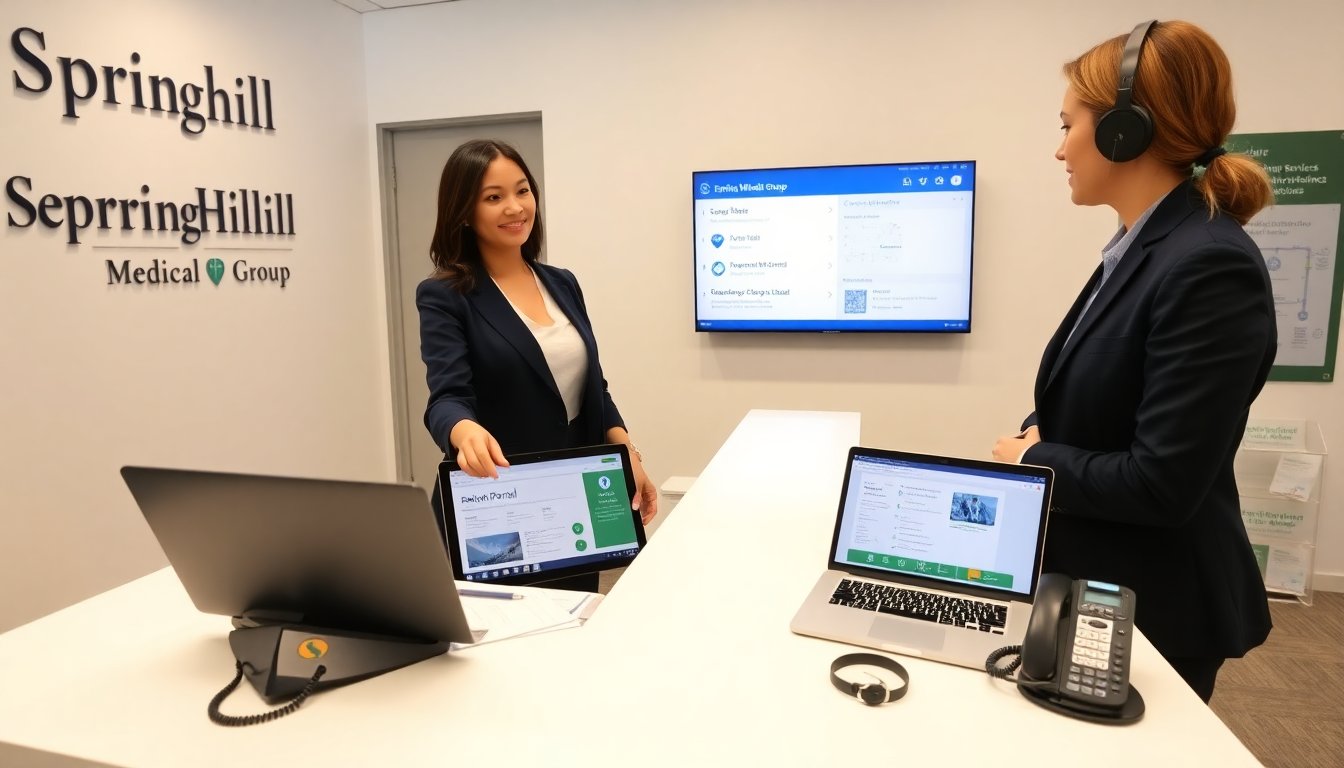
Patients sign up for the patient portal to view records and send messages. The portal shows appointments, test results, and visit summaries. Patients schedule or change appointments online when a slot is available. Secure messaging lets patients ask clinical questions and attach documents. SpringhillMed Group sends notifications when results arrive. The portal uses two-step authentication for security. Patients should keep their contact information current to avoid missed messages. Patients check the portal before calling to avoid duplicate requests. Staff aim to reply to secure messages within business days. The portal reduces phone wait times and speeds up simple requests.
Find Your Nearest Springhill Medical Group Location, Hours, And Directions
Patients use the location finder on the website to find the nearest clinic. The map shows address, phone number, and parking details. Each location lists regular hours, weekend hours, and holiday closures. Patients check the page for specialty services offered at that site. Directions include public transit options and parking tips. Some locations note building access and floor numbers. Patients verify hours before travel because clinics may change hours for staffing or holidays. The site also lists phone extensions for specific departments like imaging or labs. Patients call the listed number if they need detailed directions or accessibility help.
What To Have Ready Before You Call Or Visit (Insurance, Records, Questions)
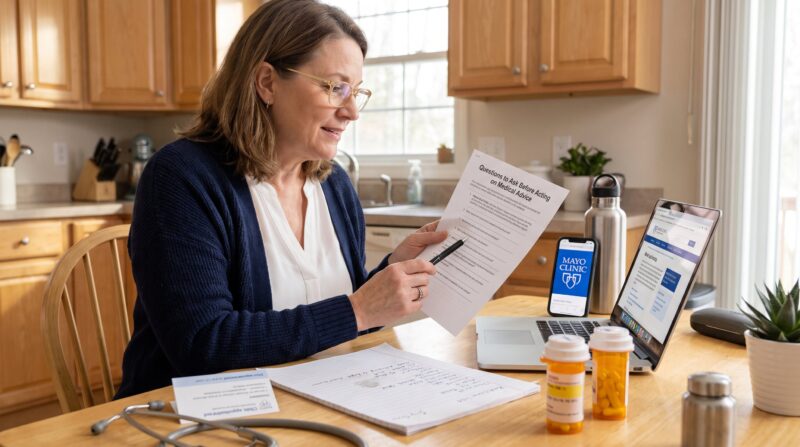
Patients prepare insurance cards and a photo ID before a call or visit. They bring a list of current medications and allergy information. Patients collect recent medical records or test results if they plan to discuss previous care. They write a short list of questions to use during the visit. Patients note preferred times for appointments and any mobility or language needs. For billing calls, patients gather claim numbers and explanation of benefits. When calling about test results, patients have the date of the test and ordering provider name. This preparation helps staff answer questions faster and schedule care more efficiently.
Accessibility, Language Support, And Services For Urgent Needs
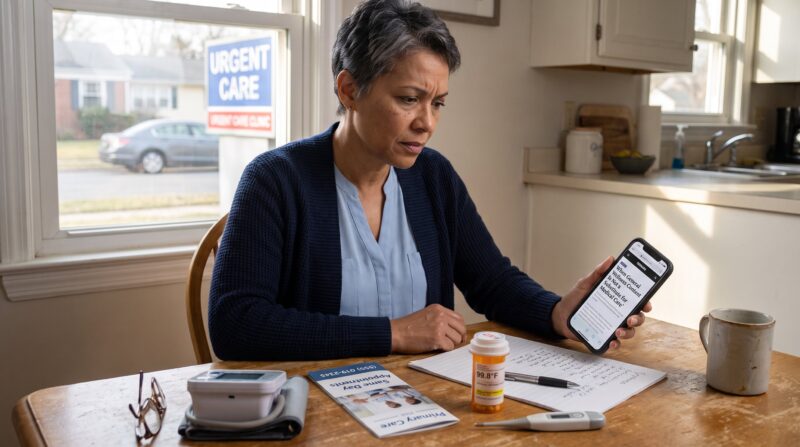
SpringhillMed Group offers ramps, elevators, and accessible exam rooms at many locations. Patients request sign language interpreters or written translation when needed. The group provides telephone interpretation for many languages. For urgent care needs, patients call the urgent line or go to the nearest urgent care clinic listed on the site. For life‑threatening emergencies, patients should call emergency services immediately. Clinics post instructions for after-hours advice and nurse lines. Patients with mobility devices should call ahead for parking and entry help. Staff train to assist patients with sensory or communication needs to make visits smoother.
Troubleshooting Common Contact Issues And When To Escalate
Patients report common problems like long phone waits, portal login errors, and scheduling conflicts. For phone delays, patients use the portal or call during early hours for faster service. For portal login problems, patients reset the password or use the portal help link. If messages go unanswered, patients confirm contact details and resend the message. For billing disputes, patients request an itemized bill and speak to patient accounts. Patients escalate unresolved clinical concerns by asking to speak to a clinic manager or patient relations. If a patient fears harm or delayed care, they contact the clinic leadership and, if needed, file a formal complaint with SpringhillMed Group to get a timely review.
About the Author