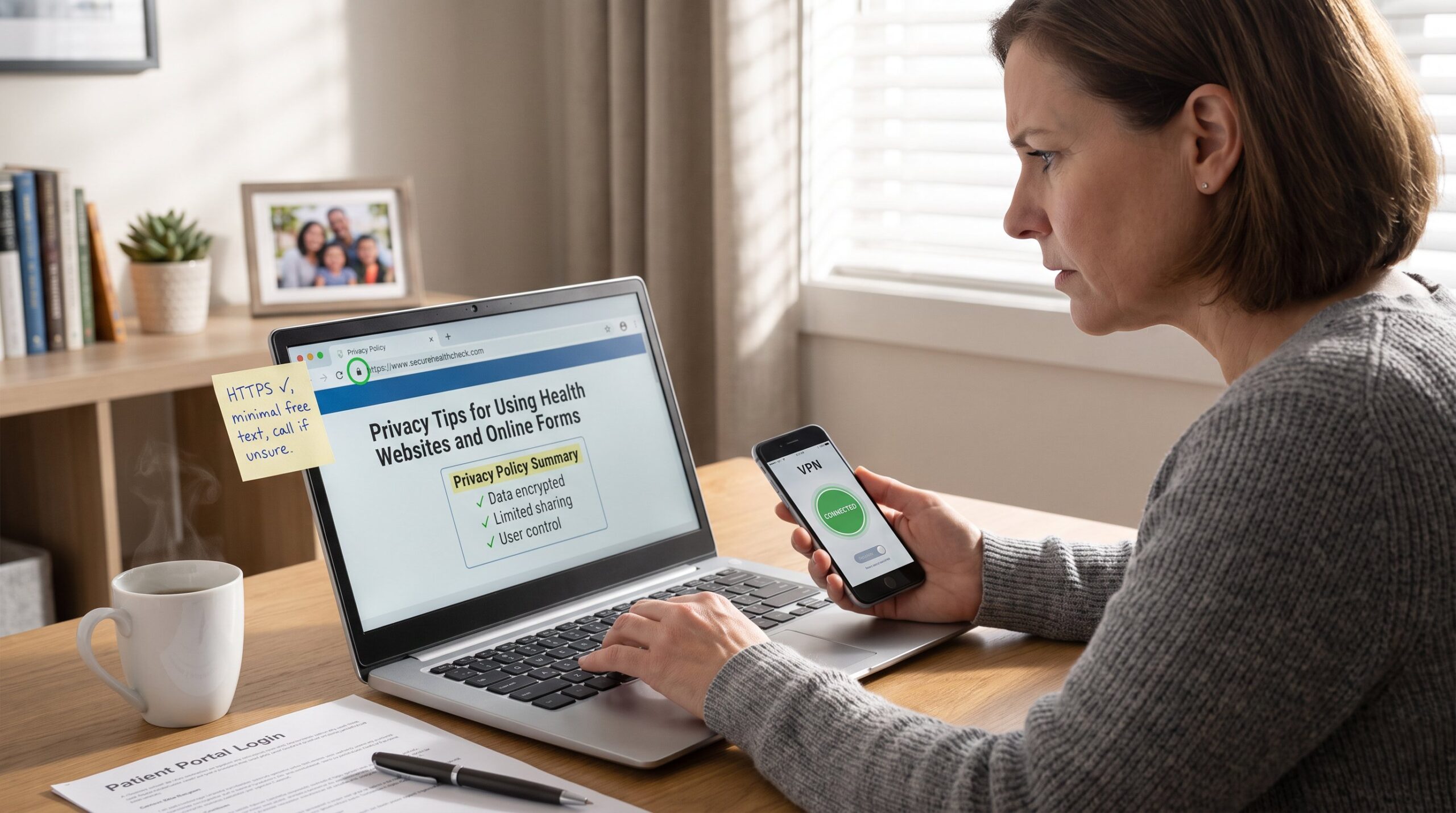
Privacy Tips for Using Health Websites and Online Forms should guide every patient before they type symptoms, insurance details, or medical history into a browser. Health information carries legal protections and practical risks: wrong hands can mean discrimination, identity theft, or inaccurate records. This article gives clear, concrete steps readers can use immediately, checklists, evaluation points, and secure submission habits, so they share only what’s needed and stay in control of their data.
Key Takeaways
- Health-related privacy is critical because health websites handle sensitive information that can lead to discrimination or identity theft if mishandled.
- Always verify a health website’s security by checking for HTTPS encryption and reviewing its privacy policy before submitting any personal data.
- Limit the information you share on online health forms to only what is necessary and avoid entering sensitive data like social security numbers unless explicitly required.
- Use trusted devices and secure networks such as a private Wi-Fi or VPN when completing and submitting health information online.
- Prefer using patient portals with encryption and audit controls for submitting health data to ensure better privacy and easier correction of errors.
- After submission, save confirmation receipts and monitor your accounts or statements to detect any unauthorized charges or mistakes early.
Why Health-Related Privacy Is Different—and Why It Matters
Health data is more sensitive than a shipping address. It describes diagnoses, treatments, medications, and symptoms that can reveal intimate details about a person’s life. That sensitivity explains why laws like HIPAA exist for covered entities, and why even non‑clinical sites must treat health inputs carefully.
Concrete risk: a breached patient portal can expose lab results, which insurers or employers might misuse. In one healthcare breach example, attackers accessed email and clinical notes for 2,847 patients: the result was weeks of follow-up calls and two corrected insurance claims. That shows how a single form can ripple into bills and lost time.
Why this matters now: many health sites collect more than immediate care needs, cookies, analytics, and third‑party widgets can track behavior across sites. A user who enters symptoms on multiple sites creates a profile that can be re‑identified. Readers should assume their entries may persist unless a site clearly states otherwise.
Practical takeaway: treat health forms like wallets. They deserve verification and care before handing them over.
Quick Checklist Before You Enter Any Health Information
Answer first: Is this information necessary? If not, don’t enter it.
Checklist items (do each before typing):
- Confirm HTTPS on the page. The lock icon in the browser means the connection encrypts data in transit. If absent, leave the page.
- Read the privacy policy headline. It should state what data is collected, why, and how long it’s retained.
- Limit free-text answers. If a form asks for long histories in an open box, consider calling instead.
- Use a trusted device and network. Public Wi‑Fi and shared computers increase exposure.
- Use the minimum required fields. Insurance numbers and full legal names are often required: social security numbers rarely are and should raise a red flag.
Example: when completing an online intake for a clinic, one patient removed a nonrequired allergy note that named a family member. That small omission prevented cross‑linking of profiles across a third‑party scheduling tool.
For readers who want an overview of trustworthy sources and navigation tips, SpringHillMedGroup maintains a helpful guide to health resources that explains where to start online and what to trust. The guide serves as a starting point for verifying health sites and forms via curated resources and clear evaluation steps: site guide overview.
Action: use this checklist each time: it takes less than a minute but prevents common overshares.
How To Evaluate A Health Website’s Privacy And Security Practices
Start with clear facts: a trustworthy health site explains what it collects, how it uses data, who can access it, and how long it keeps records. If a site lacks these points, don’t assume good handling.
Step‑by‑step evaluation:
-
Privacy policy specifics. Look for explicit statements about health or medical information, retention periods, and third‑party sharing. Short, vague policies that only mention “data” without examples are a red flag. For guidance on spotting reliable health content, users can compare site practices with standards found in independent evaluations like the site’s health information guidance: evaluate health information.
-
Encryption in transit and at rest. The page should use HTTPS and preferably mention data encryption at rest. If a site states data is encrypted both in transit and at rest, that indicates stronger technical controls.
-
Third‑party relationships. Does the site name vendors or state it uses analytics providers? Look for a clause about business associate agreements or similar safeguards when clinical data is involved.
-
Access and audit controls. Reputable portals describe role‑based access, audit logs, and limited staff access. These controls reduce the risk that a single employee mistake will expose records.
-
Storage and deletion policies. The policy should explain how long form entries persist and how to request deletion or correction. If the policy lacks a clear contact for data requests, users should treat the form as potentially permanent.
Concrete example: a local clinic’s site stated form entries are stored for seven years and accessible to billing vendors. That disclosure allowed a patient to withhold extra history and provide it later in person, preventing unnecessary third‑party exposure.
Action: spend three minutes scanning the policy. It often reveals whether the site respects patient privacy or treats data as disposable.
Secure Ways To Complete And Submit Online Health Forms
Core answer: use secure networks, trusted devices, and submission methods that limit exposure. Here are practical steps readers can apply immediately.
Before submitting
- Prefer a private, password‑protected home or mobile connection. If on public Wi‑Fi, use a personal mobile hotspot or a reputable VPN.
- Update the device. Recent OS and browser updates patch vulnerabilities attackers exploit.
- Log out of unnecessary accounts. A logged‑in social or email session can cross‑connect data if the form uses embedded scripts.
While completing forms
- Use the site’s patient portal when offered. Portals typically provide encrypted storage, role‑based access, and audit trails: patients who regularly review portal entries spot errors faster. For how patient portals let people review their records, see the Mayo Clinic’s explanation of portal features: portal overview.
- Avoid pasting sensitive documents into free‑text fields. Uploads should go through a secure file tool provided by the site, not as attachments to regular email.
- Use temporary or partial details when permitted. For example, provide a contact number but avoid entering a social security number unless explicitly required and justified.
After submitting
- Save confirmation pages or reference numbers. A confirmation helps verify whether the site stored the submission and how it was labeled.
- Monitor accounts and statements. If insurance or billing details were submitted, check subsequent statements for errors or unexpected charges.
Honest warning: people sometimes assume a medical-looking website equals safety. In one case, a well‑designed telehealth intake saved time but sent data to a scheduling vendor that kept open text responses indefinitely. The patient learned this only after requesting deletion, a process that took weeks. That’s why confirming vendor handling matters.
Action: when possible, choose portals and vendor‑backed submission tools over generic forms. They give stronger audit trails and easier correction paths.
Conclusion
The safest approach is to share only what’s necessary, verify a site’s privacy and security disclosures, and use encrypted portals or controlled submission tools. Small checks, HTTPS, a clear policy, minimal free text, prevent practical harms like billing errors or identity exposure. For readers preparing appointments, a short practical primer on what to bring and what to omit can simplify decisions and protect privacy.
About the Author